The instructions in this document detail the current steps required to provide the most actionable bug reports for crashes and other bad behavior. Each step is optional but will greatly improve how quickly issues are diagnosed and addressed. We appreciate your effort in sending us as much feedback as possible.
Create an Issue on Github
- A new Github issue may be created at https://github.com/flutter/flutter/issues/new
Provide the Flutter Version
- Run
flutter --versionin your project and paste the results into the Github Issue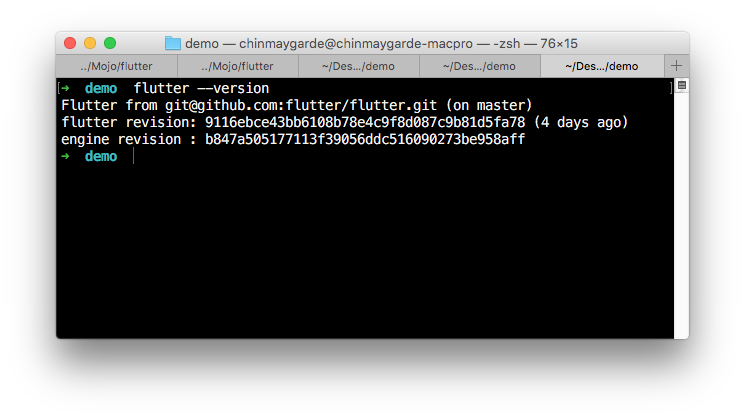
Run the Command in Verbose Mode
Follow these steps only if your issue is related to the flutter tool.
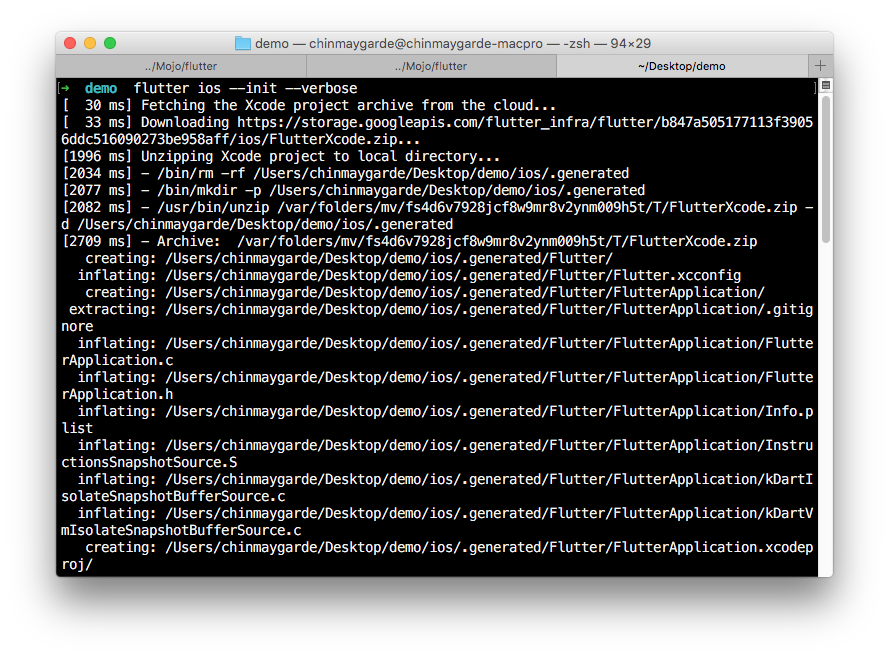
- All Flutter commands accept the
--verboseflag. If attached to the issue, the output from this command may aid in diagnosing the issue. - Attach the results of the command to the Github issue.
Provide the Most Recent Logs
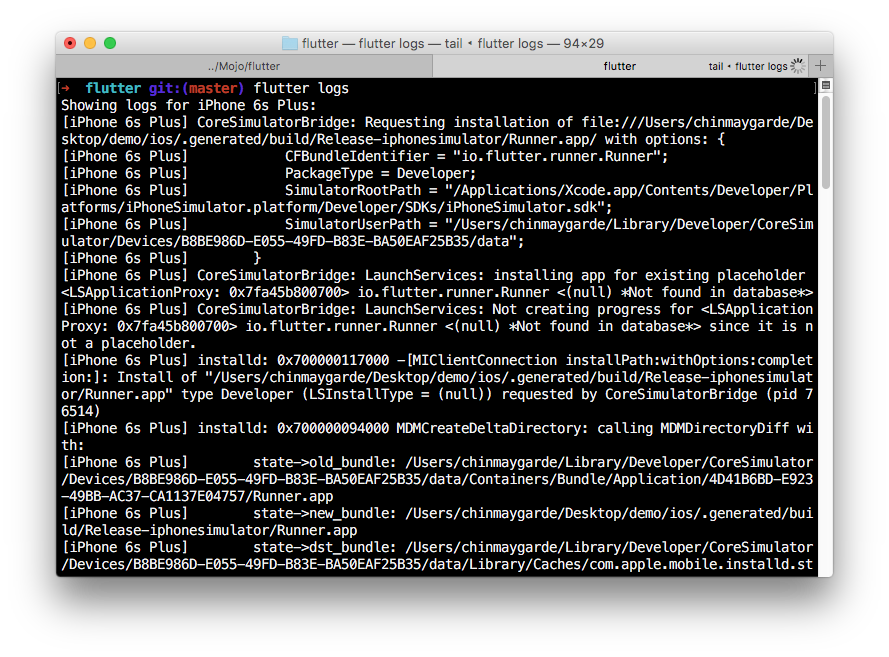
- Logs for the currently connected device may be accessed via
flutter logs - If the crash is reproducible, clear the logs (⌘ + k on Mac), reproduce the crash and copy the newly generated logs into a file attached to the bug report.
- If you are getting exceptions thrown by the framework, include all the output between and including the dashed lines of the first such exception.
Provide the Crash Report
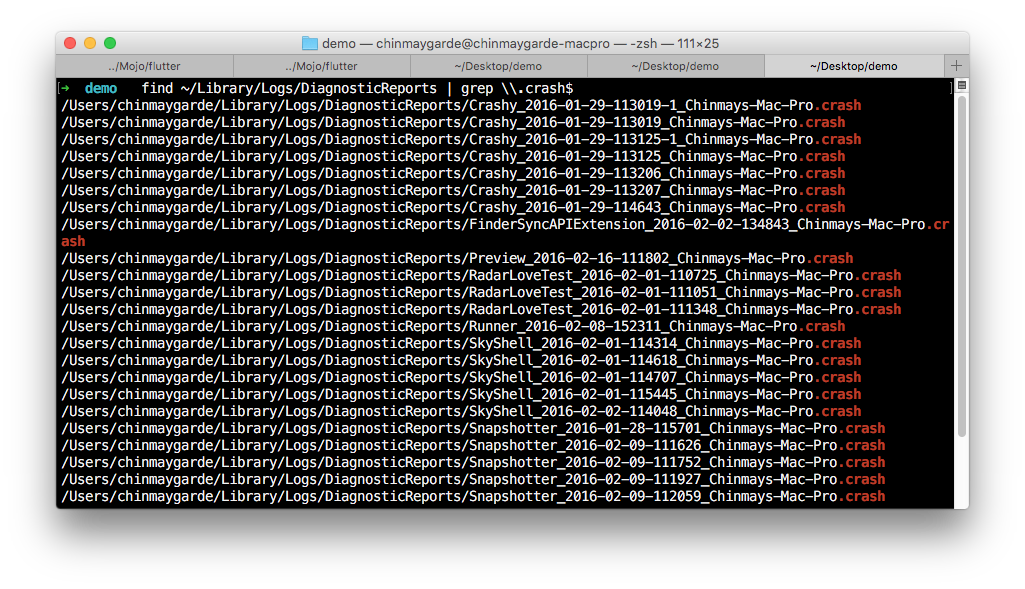
- In case the iOS simulator crashes, a crash report is generated in
~/Library/Logs/DiagnosticReports/. - In case the iOS device crashes, a crash report is generated in
~/Library/Logs/CrashReporter/MobileDevice. - Find the report corresponding to the crash (usually the latest) and attach it to the Github issue.